

Quantprove vs TraderSync
TraderSync focuses on journaling, analytics and trade replay. Quantprove builds a track record from your broker that anyone can check, and tells you when your strategy stops behaving like its backtest.
Same trade history.
Two answers.
Quantprovevs.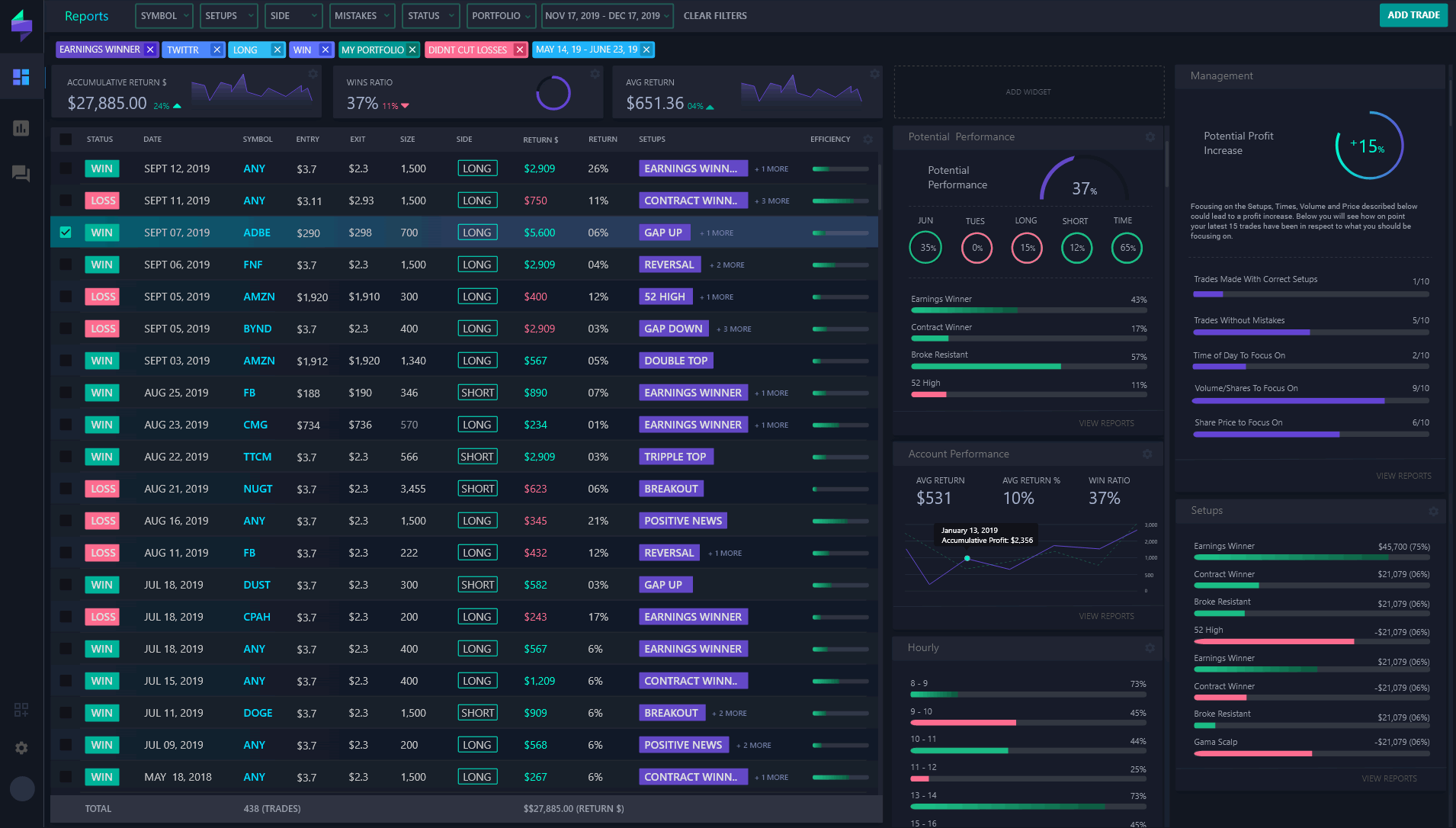
Quantprove vs TraderSync
the key differences
Quantprove is a TraderSync alternative for traders who want a verified track record people can trust. Seven checks run on your broker account every day and one link shows the result. A trading journal comes with it. Backtest, Validation and Monitor show when your strategy stops behaving like its backtest.
Rated 4.5 out of 5 on Trustpilot, 4.7 on G2 and 5.0 on SourceForge.
Compare plans Compare features, pricing and product focus. | QuantprovePro ↗ | FREE BASIC PLAN; PRO $29.95/MONTH; PREMIUM $49.95/MONTH; ELITE $79.95/MONTH. ANNUAL BILLING LOWERS EACH PRICE. |
|---|---|---|
0-100 Edge Score A combined 0–100 score built from your trading history, to help you make decisions with confidence. | Yes | —Not verified↗ |
Statistical significance testing Tests whether the result is strong enough to separate evidence from chance. | Yes | —Not verified |
Monte Carlo simulation Maps a range of possible outcomes and drawdowns by resampling your trades. | Yes | —Not verified↗ |
Walk-forward / out-of-sample validation Tests the system on unseen trades to expose results that depend on curve-fitting. | Yes | —Not verified↗ |
Backtest-vs-live validation Compare your backtests with live results and see if your system behaves as expected. | Yes | —Not verified |
Ongoing system monitoring Track your system as you trade forward. Follow its health over time and catch changes early. | Yes | —Not verified |
Multi-asset benchmark Compares results with a market benchmark to show how much performance came from the system. | Yes | —Not verified |
Trade import Connect your broker once. New trades sync automatically and your journal stays up to date. | Broker sync + file uploads | Broker sync + file uploads↗ |
Trade journaling More than a journal. Understand your system and make every decision with confidence. | Yes | Yes↗ |
Monthly pricing The standard price before any temporary promotion. | $49/month or $444/year ($37/month billed yearly) | Free plan, paid from $29.95/month↗ |
Last checked 21 November 2026. Every TraderSync cell links to the page it was read from.

I use it to get a quick understanding on my backtesting results. Just takes a few seconds and I get all the analytics I need for my data.

Frequently asked questions
Updated November 21, 2026
Quantprove is a good TraderSync alternative if you want your journal to tell you if a strategy is still working, not only review what happened. It connects the evidence behind each system from backtest to live. TraderSync focuses more on journaling, analytics, replay and AI-assisted review.
Yes, Quantprove imports your TraderSync history: export it from TraderSync and upload the file. You can also connect your broker. New trades then sync automatically and your journal stays up to date.
Quantprove connects your trade history to backtest analysis, live validation and ongoing monitoring. You can see what the evidence says about the system and check if it still supports your decision to trade it. TraderSync analyzes past trades, setups and mistakes.
Quantprove has a Free plan at $0 with no card. Pro unlocks the full product for $49/month or $444/year ($37/month billed yearly), and its first 14 days are free with a card. TraderSync has a free Basic plan with 30 imported executions a month. Its paid plans cost $29.95/month for Pro, $49.95/month for Premium and $79.95/month for Elite, and annual billing lowers each price.
Related: Edge Score · Stability Score · Health Score · Reading your first result
Know your system. Trust your decisions.
Upload your journal. Start trading with confidence.


 Interactive Brokers
 Interactive Brokers